Physical Address
304 North Cardinal St.
Dorchester Center, MA 02124
Physical Address
304 North Cardinal St.
Dorchester Center, MA 02124

Find Gear. Build Dreams. Game On.
Find Gear. Build Dreams. Game On.
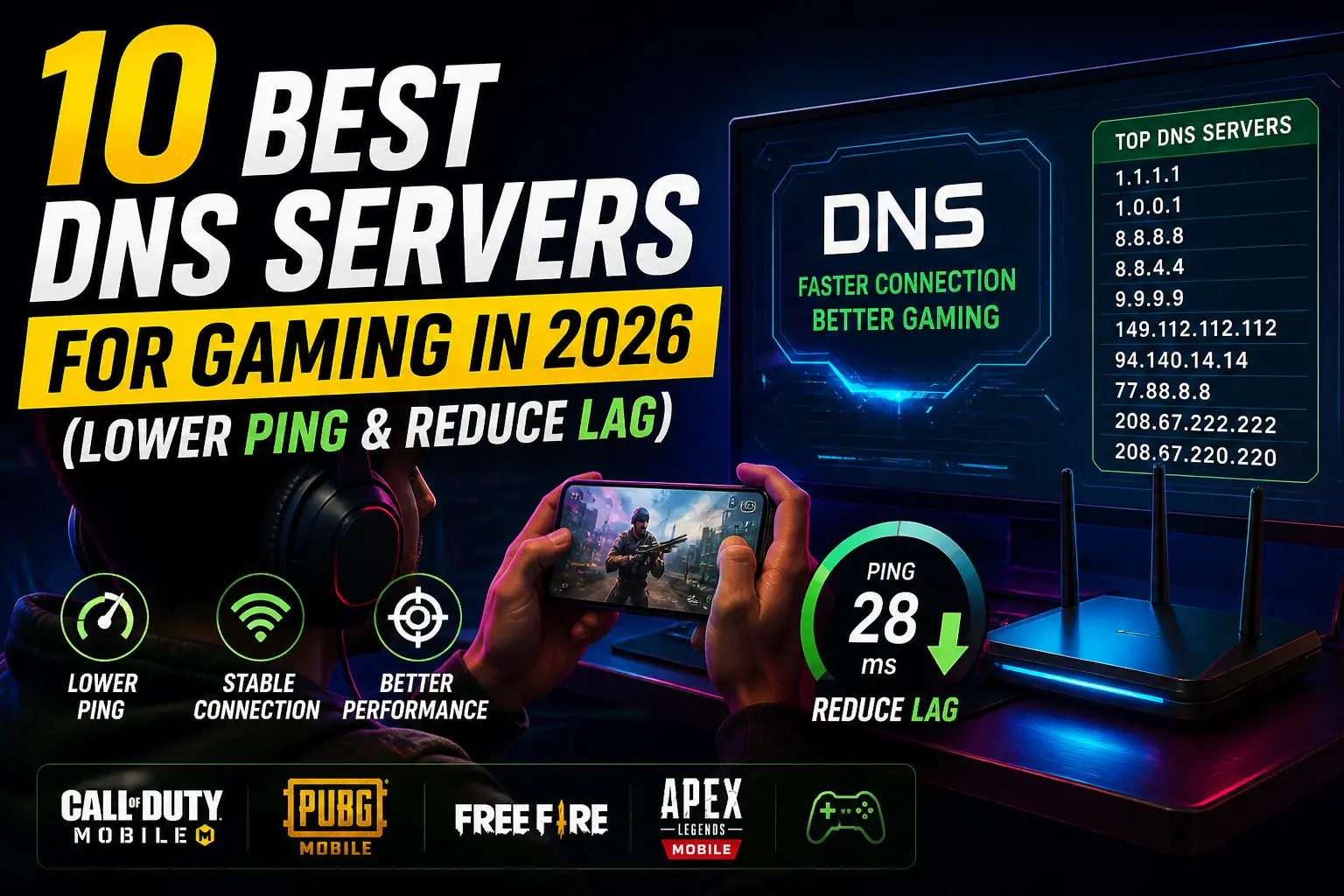
If you’ve ever been in the middle of an intense match and suddenly hit a lag spike that costs you the game — yeah, I feel you. It’s frustrating. And most people have no idea that something as simple as switching your DNS can actually make a real difference.
The best DNS servers for gaming 2026 aren’t just about privacy or speed — they’re specifically picked to reduce latency, give you more stable connections, and make sure your game traffic gets routed as fast as possible.
I’ve tested a bunch of these over the past months and put together this list so you don’t have to do the guesswork. Let’s get into it.
Here are the top 10 DNS servers worth trying this year. Some of these are well-known, some are a bit under the radar — but all of them have a solid reputation for speed and reliability.
Each one has its strengths. Keep reading — I’ll break them down properly.
Alright, let me be real with you. Not every DNS on this list will give you the same results. It really depends on your region, your ISP, and how far you are from each DNS server’s infrastructure.
That said, here are the ones I genuinely think are the best picks based on performance.
Cloudflare built 1.1.1.1 with speed as the #1 priority, and it shows. Independent benchmark tests consistently rank it as one of the fastest DNS resolvers in the world for response time.
For mobile gaming, especially, the difference can be noticeable. I switched to Cloudflare on my Android, and my average DNS response time dropped significantly compared to my ISP’s default DNS.
It also doesn’t log your IP address after 24 hours, which is a nice bonus if you care about privacy.
Google’s DNS is probably the most popular alternative DNS out there, and for good reason — it’s super stable, widely distributed globally, and handles massive traffic without breaking a sweat.
For gaming, it’s not always the fastest option, but it’s one of the most consistent. If you’re getting random lag spikes with your current setup, Google DNS is usually a safe and easy first switch to try.
A lot of people ask me, “Does DNS actually lower ping?” Honestly, yes and no. Let me explain.
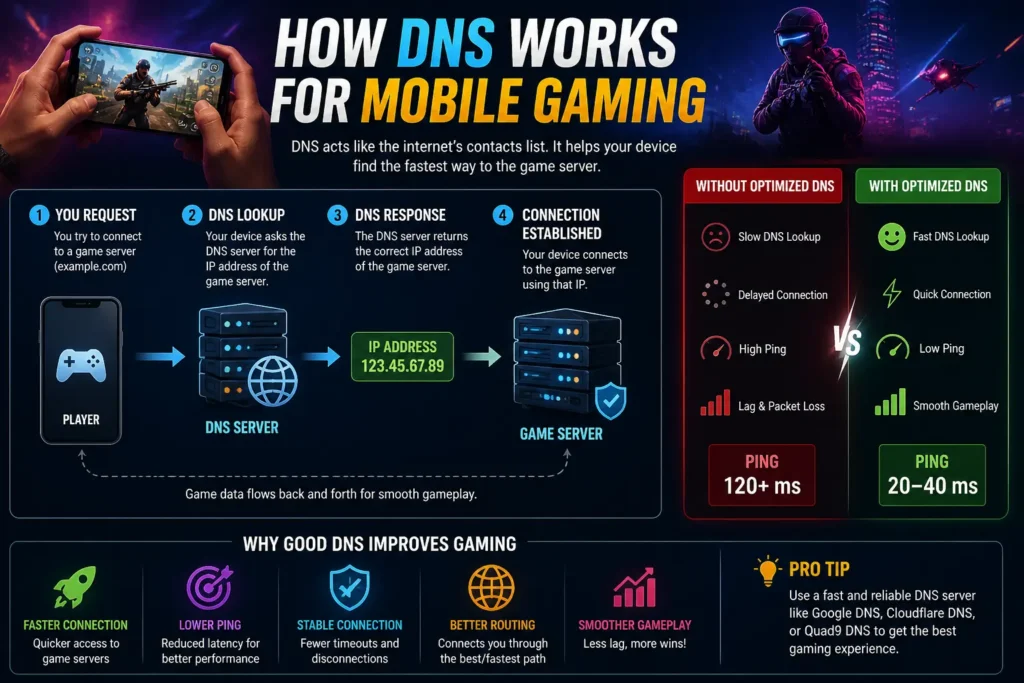
DNS doesn’t directly affect your in-game ping to the game servers. What it does is reduce the time it takes to resolve domain names — meaning, how quickly your device finds and connects to the right server when your game starts up or reconnects.
That said, a slow or overloaded DNS can add milliseconds to every connection lookup, which can stack up and cause delays. Switching to a faster DNS for lower-ping gaming means less “setup time” for those connections.
It’s not going to turn 200ms into 20ms. But if you’re already close to a game server and your DNS is lagging behind? That’s where you’ll feel the difference.
Here’s something most guides skip: the “best” DNS server for you depends on where you live.
Cloudflare and Google both have servers spread worldwide, so they’re usually fast everywhere. But smaller providers like DNS. Watch or Verisign may perform better or worse depending on how geographically close their servers are to you.
My honest tip? Use a free tool like GRC’s DNS Benchmark or Namebench to test which DNS is actually fastest from your location. Don’t just take someone’s word for it — including mine.
AdGuard DNS does double duty: it’s fast, AND it blocks ads and trackers at the DNS level. If you play mobile games with annoying ads, this is worth trying. Fewer ad calls = slightly less traffic overhead = marginally cleaner connections.
It’s not a night-and-day gaming improvement, but it’s a nice quality-of-life upgrade.
As of May 2026, Cloudflare and Google still dominate the fastest DNS server for gaming rankings in most independent tests. NextDNS has grown a lot in popularity because of its customization options — you can fine-tune what gets blocked and what doesn’t.
One thing worth mentioning: more ISPs are rolling out DNS-over-HTTPS (DoH) support natively. If your router or device supports it, enabling DoH on top of a fast DNS can add an extra layer of speed and security.
If you’re on Android, you can set a “Private DNS” server directly in your settings — no app needed. Just go to Settings > Network > Private DNS and enter 1dot1dot1dot1.cloudflare-dns.com for Cloudflare, for example.
Here’s a quick side-by-side look at the top picks:
| DNS Provider | Primary IP | Secondary IP | Speed | Privacy | Ad Blocking | Best For |
| Cloudflare | 1.1.1.1 | 1.0.0.1 | 5/5 | High | No | Speed & Privacy |
| 8.8.8.8 | 8.8.4.4 | 4/5 | Medium | No | Reliability | |
| Quad9 | 9.9.9.9 | 149.112.112.112 | 4/5 | High | Malware | Security |
| OpenDNS | 208.67.222.222 | 208.67.220.220 | 4/5 | Medium | Optional | Families/Custom |
| AdGuard | 94.140.14.14 | 94.140.15.15 | 3/5 | High | Yes | Mobile Gamers |
| NextDNS | Custom | Custom | 4/5 | High | Yes | Power Users |
| Verisign | 64.6.64.6 | 64.6.65.6 | 3/5 | High | No | Stability |
| DNS.Watch | 84.200.69.80 | 84.200.70.40 | 3/5 | High | No | Privacy Focus |
| Comodo | 8.26.56.26 | 8.20.247.20 | 3/5 | Medium | Malware | Security |
| Level3 | 4.2.2.1 | 4.2.2.2 | 3/5 | Medium | No | ISP Backup |
Looking to squeeze out even more performance from your device? These guides are worth checking out:
At the end of the day, switching your DNS is one of the easiest free tweaks you can make to improve your gaming experience. It takes about two minutes, costs nothing, and in the right situation can genuinely help reduce lag and improve connection consistency.
My personal pick for most mobile gamers? Start with Cloudflare 1.1.1.1. It’s fast, private, and dead simple to set up. If you play on a lot of mobile titles with ads, give AdGuard DNS a shot — you’ll thank me later.
That said, always test what works best for you. Your location and ISP matter more than any “best of” list.
What DNS are you currently using, and have you ever noticed a difference after switching? Drop your thoughts in the comments — I’d love to hear what’s worked for you!